When you click on links to various merchants on this site and make a purchase, this can result in this site earning a commission. Affiliate programs and affiliations include, but are not limited to, the eBay Partner Network.
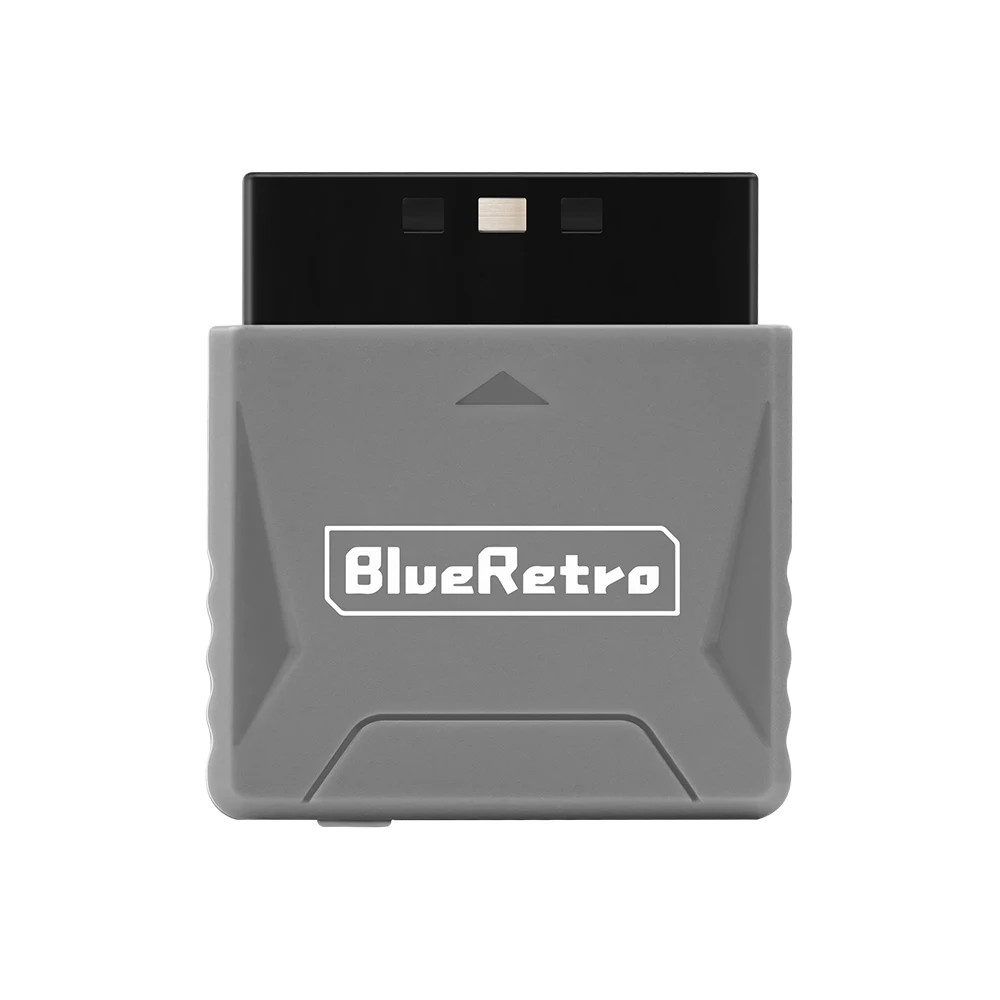
🎮 RetroScaler Mini BlueRetro Wireless Adapter
Transform Your PS1/PS2 with Modern Wireless Controllers
⚠️ Important Compatibility Notes
• One Adapter = One Controller: Each adapter connects to a single wireless controller at a time
• Bluetooth Only: Not compatible with 2.4GHz wireless controllers
• PS3 Controllers: Only original official Sony PS3 controllers are supported
• Game Limitation: Call of Duty 2 and 3 are not currently supported
• Power Option: If your console's controller port power is weak, use the included USB-C cable for external power
✨ Key Features🎯 Ultra-Low Latency
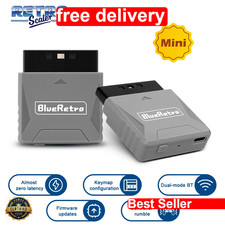
Experience near-zero lag with less than 6ms latency on PS4/PS5 controllers. Smooth, responsive gameplay just like wired controllers.
🔄 Firmware Updateable
Keep your adapter current with firmware updates via USB connection. Ongoing improvements and compatibility enhancements.
📱 Web Configuration
Customize button mappings through Web Bluetooth using Chrome browser. No software installation required.
🎮 Wide Controller Support
Works with PS3, PS4, PS5, Xbox One S, Xbox Series X|S, Switch Pro, Switch Joy-Con, Wii, Wii U Pro, 8bitdo, and Retro-Bit controllers.
💥 Vibration Support
Full rumble function support for immersive gaming experience on compatible controllers and games.
🔌 Dual Power Options
Powered by console controller port or external USB-C cable for older systems with weak power output.
📋 Technical PS1, PS One, and PS2 consolesConnection TypeBluetooth wirelessLatencyLess than 6ms (PS4/PS5 controllers)Dimensions4.8cm × 4.4cm × 1.3cmPower OptionsConsole port or USB-C cableFirmwareUpdateable via USB connectionConfigurationWeb Bluetooth (Chrome browser)📦 Package Contents
• 1× RetroScaler Mini BlueRetro Adapter
• 1× USB Type-C Cable
• 1× User Manual
❓ Frequently Asked QuestionsQ: Can I use multiple controllers with one adapter?
A: No, each adapter supports one wireless controller at a time. For multiplayer gaming, you'll need one adapter per player.
Q: Will this work with third-party PS3 controllers?
A: Only original official Sony PS3 controllers are supported. Third-party PS3 controllers may not function properly.
Q: How do I update the firmware?
A: Press and hold the PAIR button, then connect the adapter to your PC via USB cable. Visit the RetroScaler GitHub page for firmware files and instructions.
Q: What if my console doesn't power the adapter?
A: Some older PS1/PS2 consoles have weak controller port power. Simply connect the included USB-C cable to an external power source.
Q: Can I remap the buttons?
A: Yes! Use the Web Bluetooth configuration interface with Chrome browser to customize button mappings for your preferred controller layout.
Q: Does this work with 8bitdo M30 controller?
A: Yes, but ensure the controller is in D-pad mode. Press and hold "Up" + "Select" for 5 seconds to switch from joystick mode.